

Crafted to Manage.
Designed to Grow.
Whether it’s a gym, a school, or a workplace, Tyrano products share a single goal, making management effortless, and progress inevitable!







Management, Reimagined.
Every business runs on people, processes, and decisions. But too often, managing them means juggling five different tools, endless spreadsheets, and hours lost in the noise.
Unified management across gyms, schools, and enterprises
AI-powered automation that reduces manual work
Real-time insights for smarter, faster decisions
Secure, scalable solutions built for growth



START YOUR
30-DAY FREE TRIAL
Lorem ipsum dolor sit amet, consectetur adipiscing elit, sed do eiusmod tempor incididunt ut labore et dolore magna aliqua.



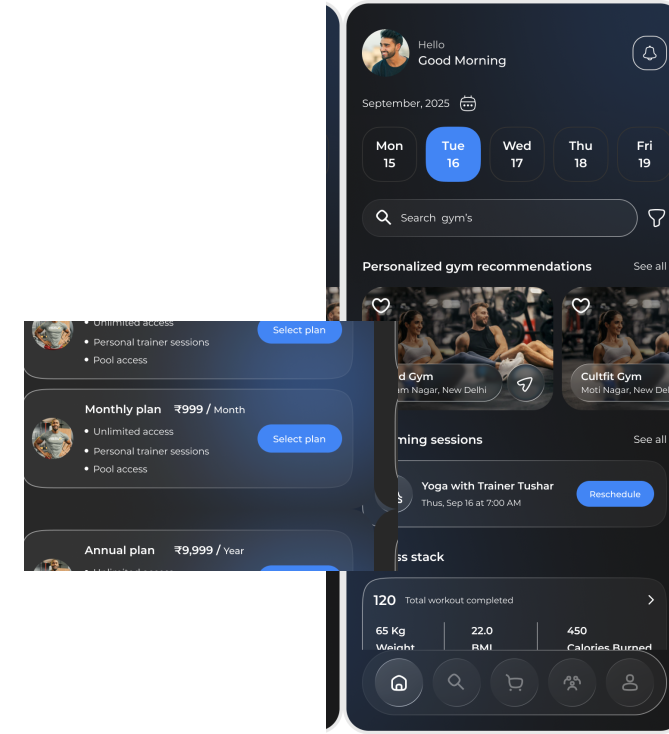
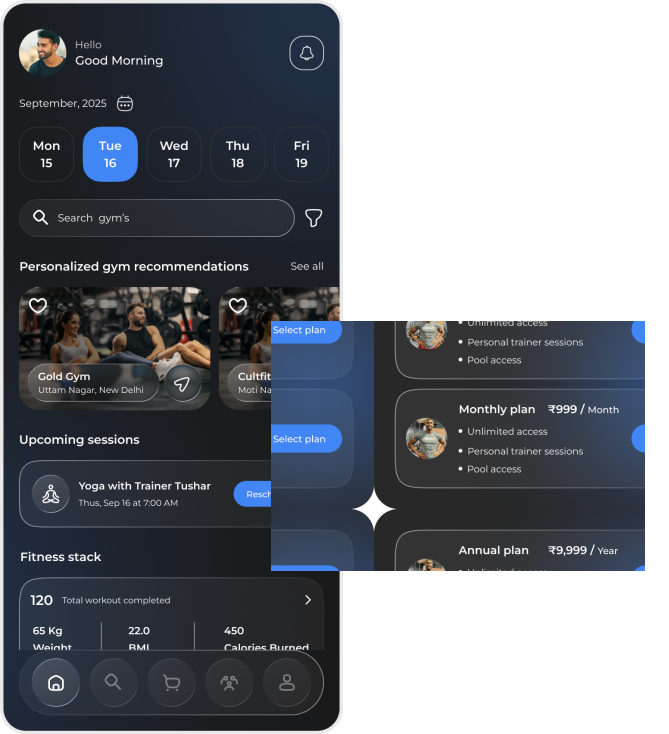
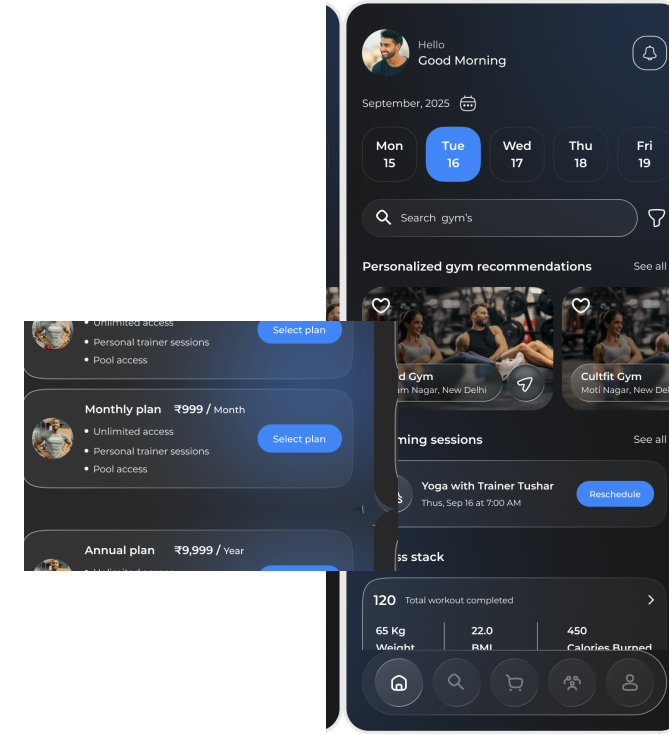
GymDesk –
For Fitness & Wellness
All your gym, in one glance.
Running a gym is about people walking in healthier than they walked out, yet owners often spend more time in ledgers than on the floor. GymDesk was created to flip that balance.
From the moment a new member joins, to their renewals, payments, and progress, GymDesk keeps it all together. Staff records, payroll, and inventory become part of one smooth system.
It's not just software. It's the difference between managing numbers and building a thriving fitness community.

HRMS –
For Teams & Workplaces
HR without the headache!
Every company says people are its greatest asset. But too often, people are buried under forms and outdated systems.
Tyrano HRMS gives time back to HR teams. Attendance, payroll, and compliance stop being chores and start being processes that just work.
HR should be about building teams that thrive.
School Management –
For Learning & Administration
Less paperwork. More learning.
Teachers didn't choose teaching to push paper. Parents don't want to chase updates.
Tyrano's School Management System connects attendance, fees, performance, and communication in one platform.
Schools spend less time managing and more time shaping futures.


Frequently Asked Questions
A Notion integration is a third-party tool or service that connects with your Notion workspace to extend its functionality. Integrations can automate workflows, sync data with other apps, and add new features to enhance your Notion experience.
To get your integration listed in the Notion integrations directory, you'll need to submit your integration through the Notion developer portal. Ensure your integration meets all security and quality guidelines, then complete the submission form with detailed information about your integration's features and use cases.
Yes! Notion provides a comprehensive API that allows developers to build custom integrations. You can start by visiting the Notion Developer Portal, where you'll find documentation, guides, and tools to help you create and test your integration.
No, the directory only includes integrations that have been reviewed and approved by Notion. Some integrations may be private or in development and won't appear in the public directory until they meet all requirements and are officially published.
Yes, all integrations in the Notion directory undergo a review process to ensure they meet security, privacy, and quality standards. This helps protect users and maintain a high-quality ecosystem of integrations.
It depends on the integration. Some integrations are completely free, while others may offer free tiers with paid upgrades for advanced features. The pricing details are typically displayed on each integration's page in the directory.
Most integrations work with all Notion plans, including the free plan. However, some advanced integrations may require specific workspace features that are only available on paid plans. Check the integration's requirements before installing.


Let's get started
In the next tutorial, you will learn how to achieve this effect for Basic Layouts with a step-by-step guide.